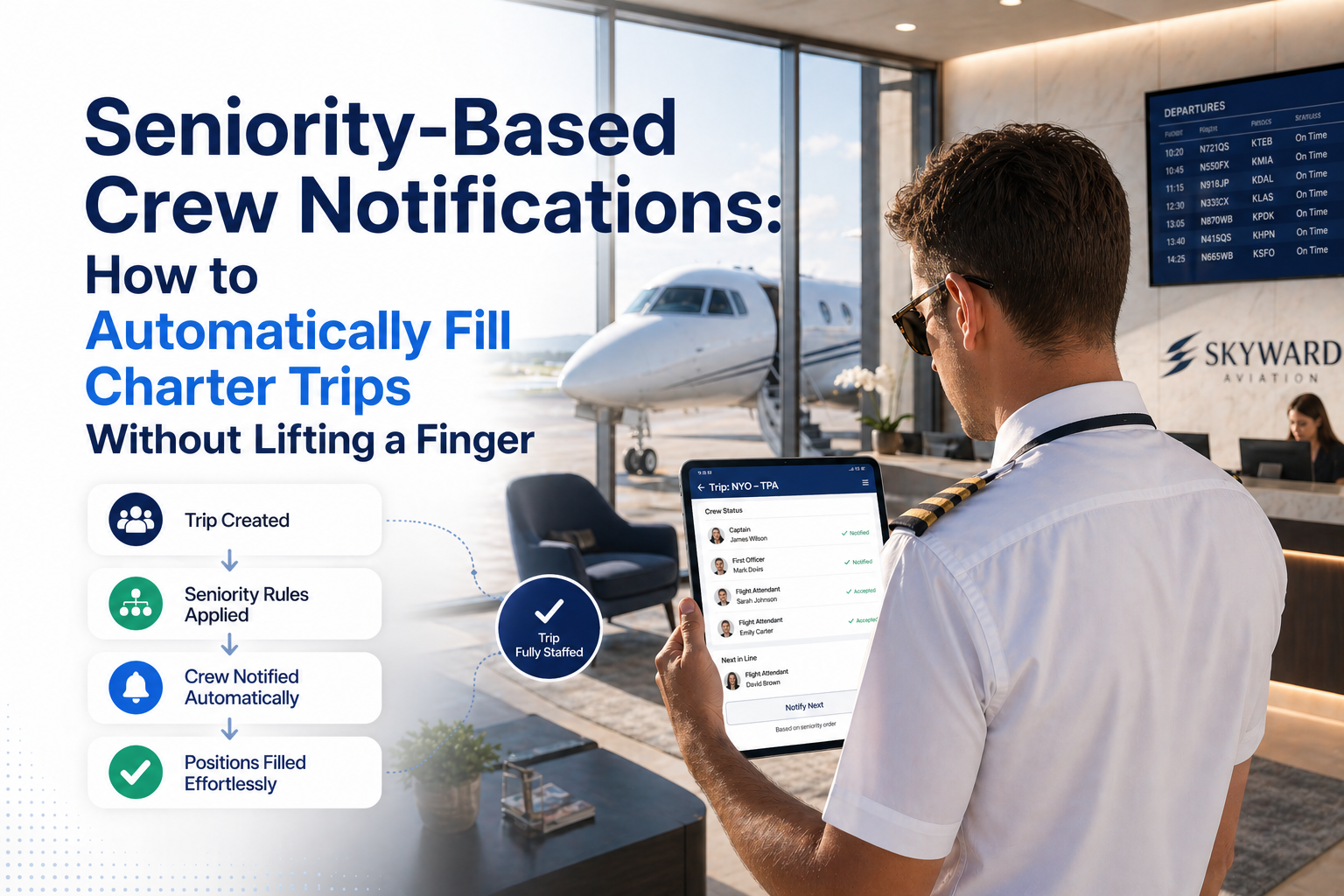
Every operator has a mental list of who they call first when a trip needs crewing. But that list lives in someone's head, it changes constantly, and it breaks down the moment that person isn't available. Seniority-based auto-notifications turn that mental model into a system — and the system runs itself.
Crew seniority is a fundamental principle in aviation. It determines who gets first right of refusal on trips, who earns preferred scheduling, and how operators maintain fair and transparent relationships with their crew. Most charter operators manage seniority informally — senior pilots get called first, junior pilots fill the gaps. In practice, this works when the ops desk is experienced and has time. It breaks down under pressure.
Seniority-based notification automation solves this by encoding the seniority order into the system and letting it run the notification sequence automatically. This article explains how it works, why it matters, and what operators need to know before implementing it.
What Is Seniority-Based Notification?
In the context of charter crew coordination software, seniority-based notification is a feature that automatically notifies pilots in a pre-defined order when a trip needs crewing. Unlike broadcast notification — where all qualified pilots receive the message simultaneously — seniority-based notification sends to one pilot at a time, in order, and advances to the next pilot only when the previous one declines or fails to respond within a set time window.
How the Seniority Queue Works
1Trip posted — ops creates a trip request with aircraft type, route, and role needed. 2Pilot #1 notified — highest-seniority qualified pilot receives SMS + email with trip details and magic link. 3Response window — system waits for the configured time (default 30 min, configurable per operator). 4aIf confirmed — chain stops. Ops receives confirmation email with pilot details. Trip is filled. 4bIf declined or no response — system immediately advances to Pilot #2 and repeats the process. 5If list exhausted — ops receives an alert that all qualified pilots have been contacted with no availability. Switch to manual outreach.The crucial detail in step 4b: if a pilot responds "unavailable," the system advances immediately — it doesn't wait for the full response window. Only the absence of any response triggers the full wait period. This means the queue moves as fast as pilots respond.
Why Seniority Order Matters to Operators and Crew
Pilots care deeply about seniority. It represents years of service, experience, and earned trust with an operator. When a junior pilot gets called before a senior one — even accidentally — it damages the professional relationship. Senior pilots feel disrespected. Junior pilots feel awkward. The ops desk is caught in the middle.
With manual phone calls, seniority is maintained only when the person making the calls remembers to respect it. When they're in a hurry, when they're stressed, when it's 5am — the informal system breaks down. Encoding seniority into the notification system removes the human error entirely.
"When we started using seniority-based notifications, our senior pilots noticed immediately. They told us they felt respected. That goodwill is worth more than the time savings alone." — Charter Operations Manager
Setting Up a Seniority Order
In CrewBench, seniority order is configured on the crew bench page using a simple drag-and-drop interface. Pilots are ordered by dragging them into the preferred sequence — position 1 at the top is highest seniority. The order saves automatically after each drag. Different operators handle seniority differently:
- Years of service — longest-serving crew at the top
- Preferred working relationship — pilots the operator works with most reliably
- Type rating specialisation — most qualified on specific aircraft first
- Hybrid models — separate seniority lists by aircraft type or base
Because the seniority queue filters by aircraft rating and role before running, a pilot who isn't rated on the trip's aircraft won't be included in that trip's queue even if they're high seniority overall. The system is smart enough to only include qualified crew in the sequence.
Configuring the Response Window
The response window — how long the system waits before advancing to the next pilot — is one of the most important configuration decisions. Too short and you risk advancing past a pilot who was genuinely available but didn't see the message in time. Too long and the trip takes hours to fill.
Response WindowBest ForTrade-off 5–10 minutesExtremely time-sensitive trips, same-day opsRisk of missing pilots who are available but slow to check phone 15–30 minutesMost operations — a good defaultTrips take longer to fill if multiple pilots decline 45–60 minutesTrips with 24+ hours lead time, relaxed pace opsSlow fill process if pilots are unresponsiveMost operators find 20–30 minutes to be the right balance. The window is configurable per operator in CrewBench's Settings page — no need to contact support to change it.
How Seniority Queues Compare to Broadcast Notification
Broadcast notification — sending to all pilots simultaneously — is faster in absolute terms. If you have ten qualified pilots and send to all of them at once, you'll get the fastest possible response. So why use seniority-based queuing at all?
ScenarioBroadcastSeniority Queue Speed of first responseFastestSlightly slower Respects crew seniorityNoYes Crew relationship managementCan create conflictsMaintains fairness Ops desk involvement neededMust monitor responsesFully automated Best forEmergency/urgent tripsStandard operations with established crewMany operators use both: broadcast for genuine emergencies where speed is everything, seniority queues for standard operations where fairness and automation matter more than raw speed. CrewBench supports both modes from the same trip page.
The Ops Desk Experience: What Actually Changes
From the ops manager's perspective, sending by seniority means clicking one button and then not touching the trip again until it's filled. The system sends the first notification, monitors the response, advances to the next pilot if needed, and stops when someone confirms. A confirmation email with the pilot's details, phone number, and role arrives in the ops inbox the moment the trip is filled.
The live trip dashboard still shows the status in real time: which pilot was notified, what they responded, and which position in the queue the system is currently at. But the ops manager doesn't need to be watching — the system runs unattended.
Key Insight: Immediate Advance on Unavailable Response
When a pilot responds "unavailable," the seniority queue advances to the next pilot immediately — it doesn't wait for the response window to expire. The response window only applies when there is no response at all. This means the queue moves as fast as your pilots respond, and a quick "no" from a senior pilot doesn't slow down the process of finding someone who is available.
Seniority-Based Notifications in On-Roster Operations
Seniority-based notification is most commonly associated with on-call operations — finding a replacement from a bench of freelance or contract pilots. But it applies equally to on-roster operations when the rostered crew is unavailable due to duty time limits, illness, or training commitments.
In this context, the seniority list represents the preferred order for calling in reserve or backup crew — pilots who are on standby or part of the operator's extended crew pool. The automation is especially valuable for on-roster operations because the ops desk is often managing multiple aircraft simultaneously; having the system handle backup crew notification autonomously frees up attention for the primary operational picture.
Monitoring and Audit Trail
One underappreciated aspect of automated seniority queues is the audit trail they create. Every notification sent, every response received, every advancement in the queue is timestamped and recorded. If a pilot later disputes whether they were notified about a trip, the record is unambiguous. If an operator needs to demonstrate fair crew rotation practices — for regulatory, union, or contractual reasons — the system provides complete documentation automatically.
Getting Started with Seniority-Based Notifications
Setting up seniority-based notifications in CrewBench requires three steps:
- Add your pilots to the crew bench with their aircraft ratings and roles
- Drag pilots into your preferred seniority order on the bench page
- Set your response window in Settings (default is 30 minutes)
From that point, any trip can be sent using the seniority queue with a single click. The system handles everything from the first notification to the final confirmation.
Put Your Crew Coordination on Autopilot
Seniority-based notifications are available on the CrewBench Scale plan. Start free and upgrade when you're ready to automate.
Start Free — No Card Required →