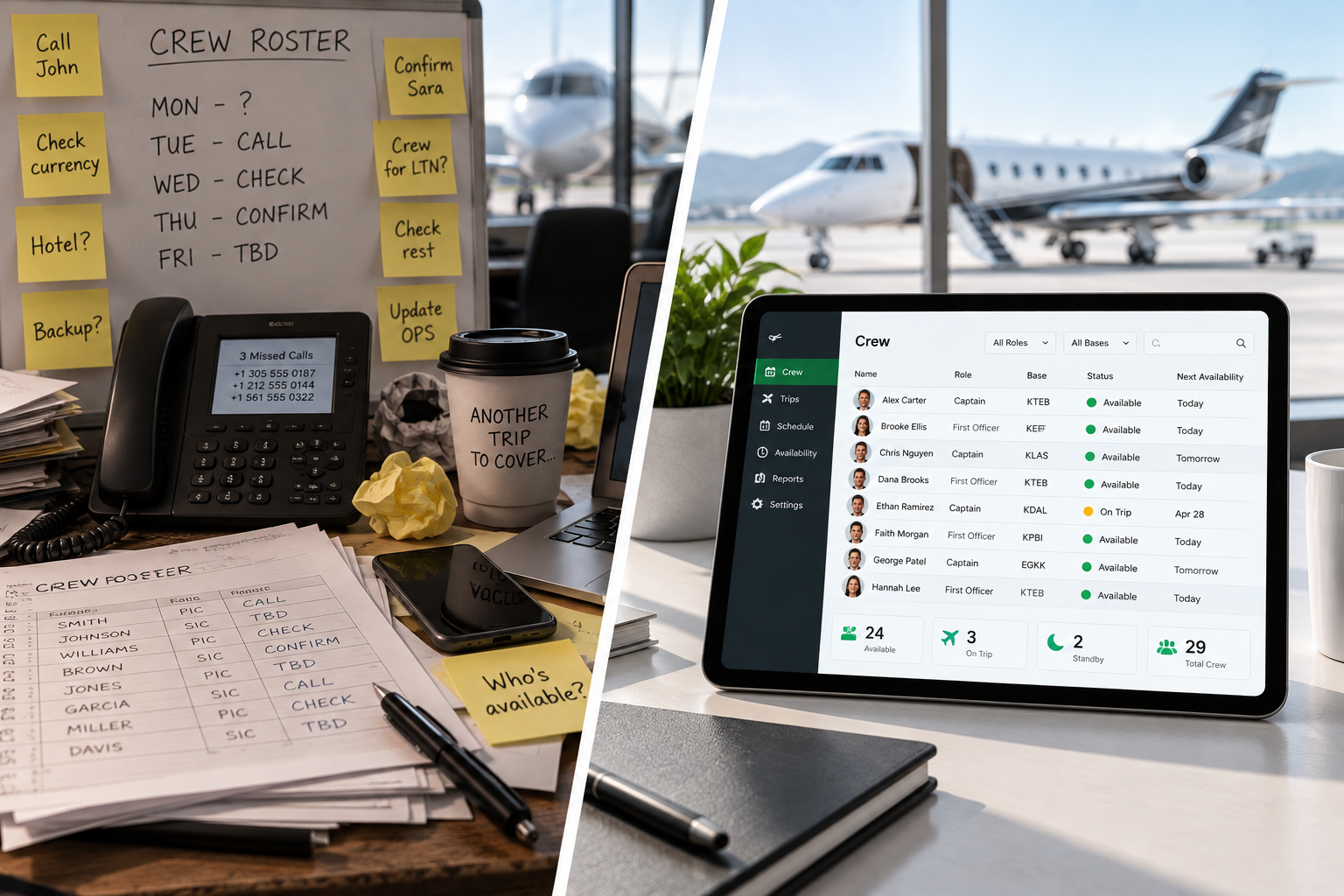
Search for "aviation crew management software" and you'll find two categories of product: enterprise systems built for airlines with hundreds of pilots on fixed schedules, and generic shift-scheduling tools that happen to work in aviation if you squint hard enough.
Neither is built for charter. This guide is.
The charter-specific problem that most software ignores
Charter crew management has a fundamental characteristic that most software doesn't account for: your trips are unpredictable and your crew is a blend of employed and freelance pilots.
That combination means you need a tool that can:
- Create and dispatch a trip at short notice
- Notify pilots who aren't employees and don't have company accounts
- Track who's available across a mixed pool in real time
- Maintain a compliance record that stands up to regulatory scrutiny
Most crew management software handles one or two of these. The best tools handle all four without friction.
Features that actually matter for charter operators
Multi-channel pilot notification
SMS and email. Both. SMS gets faster responses — pilots read texts within minutes, emails sometimes wait hours. But email provides a written record that some regulators and insurers want to see. Your tool should send both simultaneously and track delivery and read receipts for each.
No-account pilot responses
Freelance pilots work across multiple operators. A tool that forces them to create an account, remember a password, or download an app introduces friction that directly reduces response rates. Look for tools that use magic link responses — a single tap from the SMS or email, no login required.
Real-time availability dashboard
You need to see the current state of your trip at a glance: who's been notified, who's responded, what their status is, and who's still pending. If you have to refresh a page, send a follow-up, or call someone to get this information, the tool isn't doing its job.
Type rating and role filtering
Sending a notification to a pilot who can't legally fly the trip wastes everyone's time. Your software should let you filter your bench by aircraft type rating and role before dispatching — so only qualified pilots receive the offer.
Audit trail and compliance documentation
When an insurer or regulator asks how a trip was staffed, you need a clear, timestamped record: who was notified, when, what they responded, and when the assignment was confirmed. This documentation should be generated automatically — not assembled manually after the fact.
Seniority queue management
If your operation requires trip offers to be made in seniority order, this needs to be automated and auditable. Manual seniority management — even careful, good-faith manual management — creates compliance exposure if you can't prove the exact order and timing of each offer.
Features that sound useful but rarely are
Predictive scheduling AI
Impressive in demos, limited in practice for small charter operations. The value of predictive scheduling depends on having large historical datasets and predictable trip patterns — neither of which most charter operators have. Focus on the basics first.
Integrated payroll
Most charter operators have existing payroll processes. A crew management tool that tries to replace your payroll system creates more integration work than it saves. Better to have a tool that exports clean data you can feed into your existing system.
Mobile apps for pilots
This sounds like a feature. In practice, it's a barrier. Asking a freelance pilot to download your scheduling app is asking them to manage yet another platform for a small portion of their income. Magic link responses from SMS outperform dedicated pilot apps on adoption every time.
Questions to ask before you buy
- Do pilots need to create accounts? If yes, ask for their freelance pilot adoption rate. It's usually lower than they admit.
- How is the notification sent? SMS, email, or both? Is delivery tracked?
- What does the audit trail look like? Ask to see a sample compliance certificate or trip record.
- Is seniority queue automation included? If yes, how is the order configured and what happens when a pilot doesn't respond?
- How does pricing scale? Per user, per trip, or per active crew member? Understand what "per user" means — if it includes every pilot on your bench, your costs will scale unexpectedly.
Red flags to watch for
- A demo that only shows one aircraft type and a fully employed crew
- No clear answer on how freelance pilot responses work
- Pricing that charges per pilot (including bench pilots you notify rarely)
- An audit trail that requires manual data entry
- A mobile app requirement for pilots
The right tool pays for itself quickly
The average charter operator spends 60–90 minutes per trip on crew coordination using manual methods. With the right software, that drops to under 10 minutes. For an operation running 15 trips per month, that's 15+ hours recovered — time your ops team can put back into the work that actually requires their expertise.
The goal of crew management software isn't to replace your judgment. It's to eliminate the parts of crew coordination that don't require judgment — the calling, the chasing, the logging — so you can focus on the parts that do.