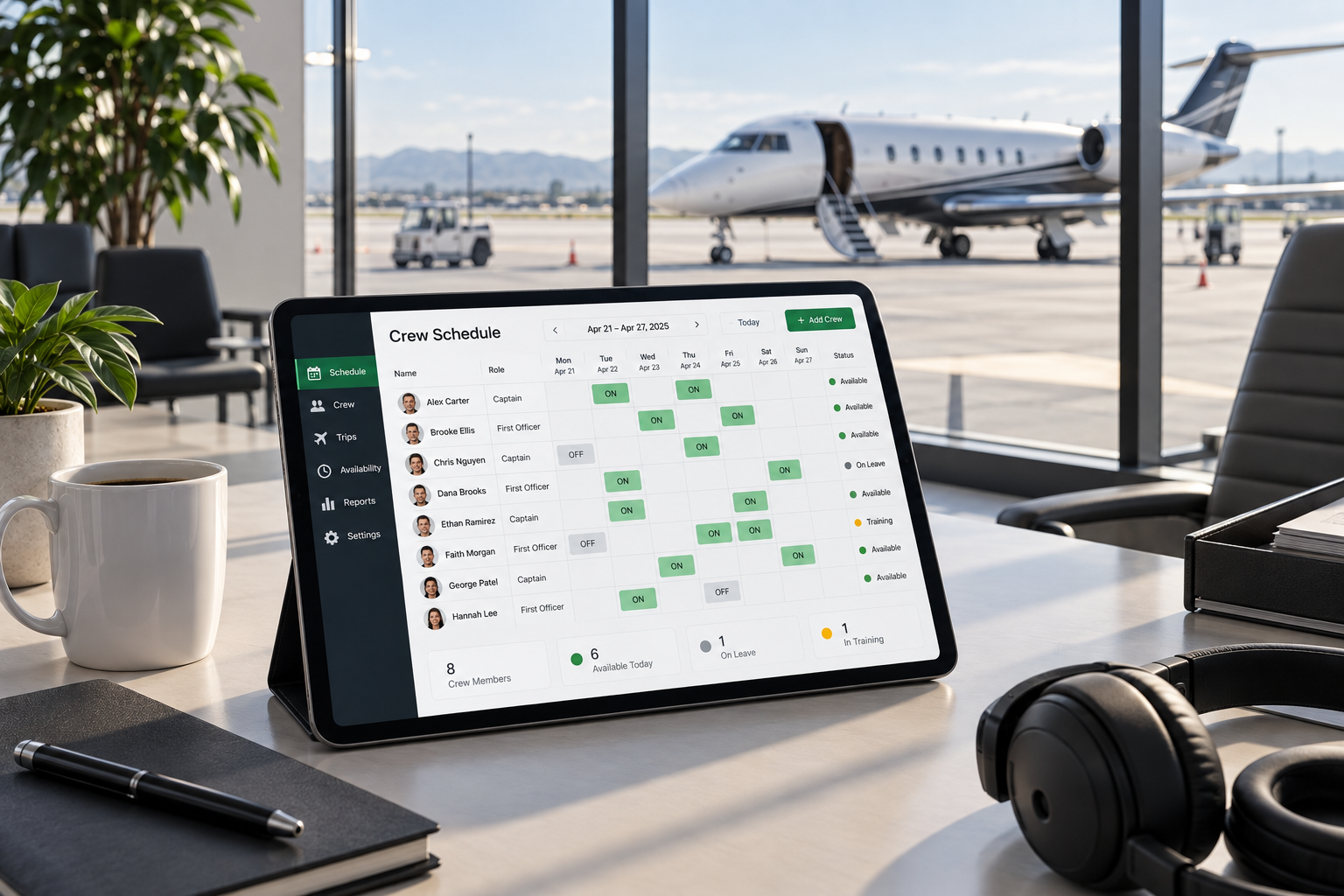
Finding the right crew scheduling software is one of the most high-leverage decisions a charter operator can make. The wrong tool costs you hours every week. The right one fills trips in minutes, keeps compliance tight, and gives you back time you currently spend on phone calls and text chains.
This guide covers what to look for, what to avoid, and how the best tools compare — so you can make a confident decision for your operation.
Why charter crew scheduling is different from airline scheduling
Enterprise airline scheduling software is built for one thing: fixed routes, fixed crew, fixed bases. Charter is the opposite. Your trips are irregular, your crew pool is a mix of rostered and freelance pilots, and your lead time is sometimes measured in hours, not weeks.
That mismatch is why so many charter operators end up cobbling together a solution from WhatsApp groups, spreadsheets, and phone calls. None of those tools were designed for the problem you're actually solving.
The right crew scheduling software for a charter operator needs to handle:
- A mixed roster — both employed pilots and freelance bench pilots
- Fast, ad-hoc trip creation with minimal friction
- Instant multi-channel notifications (SMS and email)
- Real-time availability tracking and response management
- Compliance and audit trail requirements
Key features to look for
1. Pilot notification without requiring pilot accounts
Freelance pilots don't want to create accounts or download apps. The best tools send an SMS or email with a one-tap response link — no login, no friction. Response rates drop dramatically when you add unnecessary steps.
2. Live response dashboard
You need to see, in real time, who has been notified, who has responded, and what their status is. A tool that requires you to chase responses by checking a static list is no better than a spreadsheet.
3. Role and type rating filtering
Not every pilot on your bench can fly every aircraft. Your scheduling tool should automatically filter by role (Captain, First Officer, Flight Attendant) and aircraft type rating — so you're only notifying pilots who are actually qualified for the trip.
4. Seniority-based notifications
If your operation requires offering trips in seniority order — for union compliance or internal policy — the tool needs to automate this. Manual seniority management is a compliance risk: if someone challenges the order, you need a timestamped audit trail showing exactly who was offered what and when.
5. Audit log and compliance certificates
Regulators and insurers increasingly want documentation of your crew coordination process. The best tools generate a timestamped record of every notification, response, and assignment automatically.
What to avoid
Generic HR or shift scheduling tools. Tools like When I Work, Deputy, or Homebase are built for retail and hospitality. They don't understand type ratings, seniority queues, or charter trip structure. You'll spend more time working around their limitations than they save you.
Tools that require pilots to create accounts. Freelance pilots work for multiple operators. Asking them to create yet another account is a friction point that kills response rates before you've even started.
Spreadsheet-based systems. A shared spreadsheet feels controllable until you have four aircraft, twelve pilots, and a last-minute trip at 6am. Then it becomes a single point of failure with no audit trail and no notifications.
How modern crew scheduling software actually works
The best charter crew scheduling tools follow a simple workflow:
- Create a trip — route, aircraft, role needed, departure time. Thirty seconds.
- Notify your crew — the system sends SMS and email to qualified pilots on your bench instantly.
- Track responses in real time — pilots tap one link to respond. You watch availability come in on a live dashboard.
- Confirm and close — pick your pilot, confirm the assignment, generate the audit certificate.
That entire process — from trip creation to crew confirmed — takes under five minutes with the right tool. With phone calls, the same process takes two hours and leaves no record.
What does crew scheduling software cost?
Pricing varies widely depending on the tool and how it charges. Some tools charge per user (including pilots, which inflates the cost fast), others charge per trip, and others charge per active crew member per month.
For a charter operator with a mixed bench of 10–30 pilots, expect to pay anywhere from free (for basic notification tools) to $100–200/month for a full scheduling and compliance platform. At that price point, you only need to recover two hours of ops time per month to break even — which happens in the first week.
The right question isn't "how much does it cost?" It's "how much is your current process costing you in time, errors, and compliance risk?"
The bottom line
Charter crew scheduling software should make your operation faster, more defensible, and less dependent on manual coordination. The best tools feel invisible — pilots respond quickly, trips get filled, and the audit trail builds itself in the background.
If you're still running your crew coordination on phone calls, WhatsApp, or spreadsheets, the question isn't whether to switch — it's how long you can afford to wait.